Guitarcatcher MPE Export Guide
Guitarcatcher has an onboard synthesizer included, but it can also send the detected notes out to another synthesizer!
It outputs this information via MPE (MIDI Polyphonic Expression), an extension of MIDI which allows pitch bending and dynamics on each individual voice. This is ideal for guitar, because it means you can track pitch bends, vibrato, and subtle dynamics that are impossible to capture with regular MIDI.
Some synths, especially newer ones, can receive MPE. It can be a bit finicky to set up, so this guide should help you get started.
1.Select your OS
2.Select your DAW
3.Where is your synth?
4.Route the MPE
Select your DAW above, and its steps appear here.
5.Set up the synth
- Ensure your synth's MPE mode is enabled.
- Ensure your synth's pitch bend range is the same as Guitarcatcher's. This is ±48 semitones by default in most synths.
- Set up your synth's MPE routing properly. In Guitarcatcher's MPE language, "pressure" means volume, and none of the other MPE channels are used. To follow the recommended setup:
- Set your synth's ADSR to completely flat: 0 or short attack time, 100% sustain, 0 or short release time.
- Most MPE synths allow you to map MPE to synth knobs. Map "pressure" or "aftertouch" to the synth's volume knob. Make sure this is a per-voice volume knob (eg. voice gain), not a global volume (eg. output gain). Make sure that zero pressure maps to an output volume of zero - for most synths, this means mapping pressure across the entire range of the volume parameter.
- If your synth's volume knob is in decibels (most are), leave Guitarcatcher's MPE pressure curve as "decibels." If your volume knob controls raw amplitude, set the pressure curve to "linear."
- Optionally, also map pressure to any other synth parameter you like, such as timbre, to create more interesting and dynamic sounds.
Take Vital, a free MPE-compatible synth plugin, as an example.
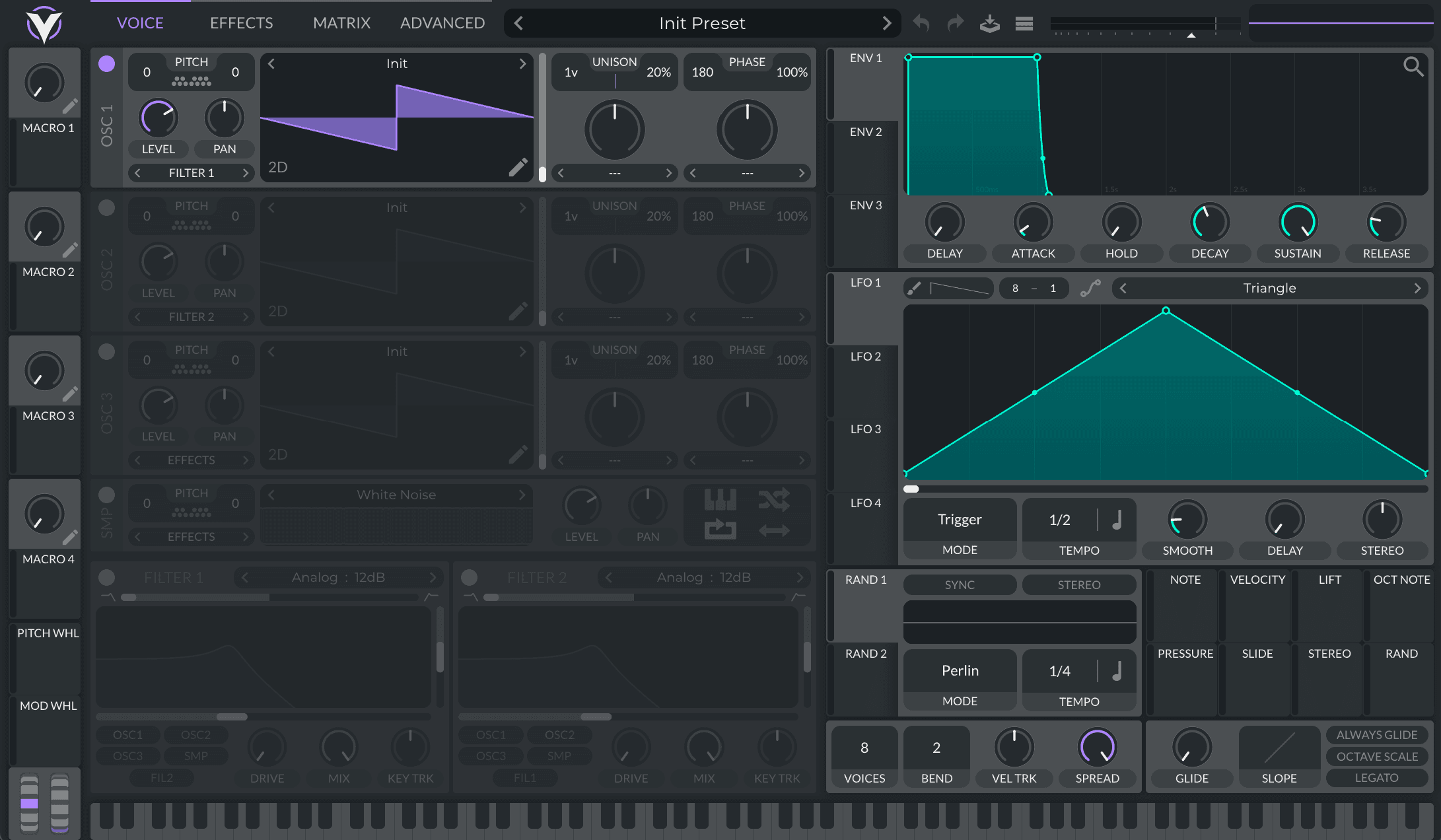
When you first load Vital, MPE mode is disabled by default. In order to enable MPE, you must click into the advanced panel and enable it manually.

Vital shows no configurable pitch bend range control; it uses the standard of ±48 semitones.
To configure MPE pressure correctly, we must go into the Matrix tab, select the source as "Pressure" and the target as "Voice Amplitude" (this is Vital's per-voice amplitude parameter, while "Volume" is the global amplitude parameter). To make sure MPE pressure maps to the full range of amplitude, we must turn Amount slider all the way up, and enable Bipolar mode.

If we want Vital's voice amplitudes to smoothly follow each guitar string's amplitude, we can also set its ADSR to a flat curve (fast attack, 100% sustain, fast release).
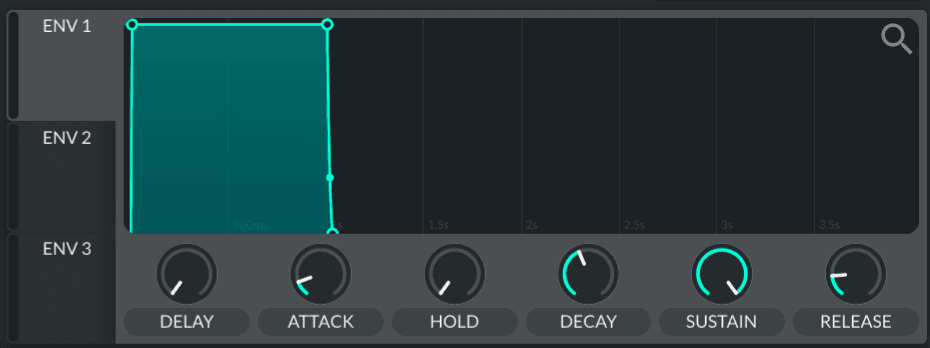
Now, our guitar's pitch and volume will come through correctly in Vital. To make more dynamic sounds, we could choose to map pressure to other synth parameters, too.
Every MPE-compatible synth is different, but many work something like this.